Setup
Aion 2 radar hack guide for open world
Honest aion 2 radar guide for PC players choosing Lite, Pro or Elite—settings, trade-offs and checkout notes from Cheats for Aion 2.
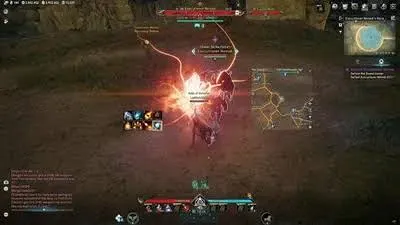
Where aion 2 radar fits on PC
I usually tell friends to start here: most people land on our site after a rough Abyss night or a long gather route that felt blind. You are not looking for a magic button—you want to know whether aion 2 radar is worth paying for on Windows, and which tier actually matches how you play. We sell Lite, Pro and Elite on the AION 2 modules; checkout shows 1 week, 1 month and lifetime plans with instant portal access after payment.
Quick links: Cheat features guide · Module hub
What the loader actually exposes
The external loader keeps overlays outside the capture path when stream-proof mode is on. Tabs are grouped the way NC's client flows: Player Visuals, Radar, Aim Assist, World / PvE, then Misc for panic keys and configs. Lite unlocks visibility modules. Pro adds the aim tab and aerial markers. Elite unlocks farm automation and Costume Changer hooks.
| Tier | Best for | You skip |
|---|---|---|
| Lite | Gather routes, scouting, lighter PvP | Soft aim, Elite automation |
| Pro | Abyss and open-world PvP | Farm Assist, Auto Kill |
| Elite | Farmers and RvR mains who want one key | Nothing major |
Pricing changes on the store side—always confirm on Live pricing before you assume last week's numbers.
Settings we touch first
ESP defaults
For ESP, start with corner boxes, faction colors, and a sane max distance (60–90m in Abyss, higher in open world if your GPU can handle it).
Radar defaults
Radar range around 120m with zoom at 1.2x is a boring default that works. If you are on Pro, keep soft aim smoothness high and FOV narrow; visible check on; ignore same faction.
Hotkeys matter because flight fights are messy: bind menu and panic keys away from WASD. Save one preset for training, one for RvR. Cloud sync means you can copy that preset to a sec ond PC without re-tuning from scratch.
Matchmaking your playstyle
Staff and bow players often want prediction tuned for grounded targets first, then add aerial slack after Training Grounds drills. Gun classes care about target line and max aim distance because hitboxes feel tighter at range. None of that requires Elite unless you also want Auto Interrupt for casters in fort fights.
Farm players: Elite's Farm Assist is the line item that separates tiers. If you only craft and gather, Lite is honest. If you rotate between nodes and gank squads, Pro pays for itself in the aim tab alone.
Checkout and support path
Checkout in three steps
- Check the site status banner and forum pin before you inject.
- Open the Browse all tabs and pick the tab you need (Aim Assist, Player Visuals, Radar—one license covers all 57 modules).
- Pay, download from the portal, load a safe preset, and test ESP in a quiet zone before Abyss.
Using third-party software in an online game breaks NCSOFT terms and can lead to account action. Nothing here removes that risk—updates, conservative settings and checking status before you fly into Abyss just lowers the odds of a bad day.
Practical checklist before Abyss
- Confirm PURPLE client patched and launcher restarted once.
- Load a preset named after the zone you are entering—not "default".
- Set ESP max distance lower in forts than in open world.
- If you stream, toggle stream-proof before OBS capture starts.
- Save configs after a good night; cloud sync beats retyping sliders.
Radar and map awareness guides
When you are ready, compare modules on the Compare tiers and checkout with the plan length that matches how long you will actually play this league.
Questions about this guide
Can I get banned using Aion 2 cheats?
Where are current prices listed?
More guides like this
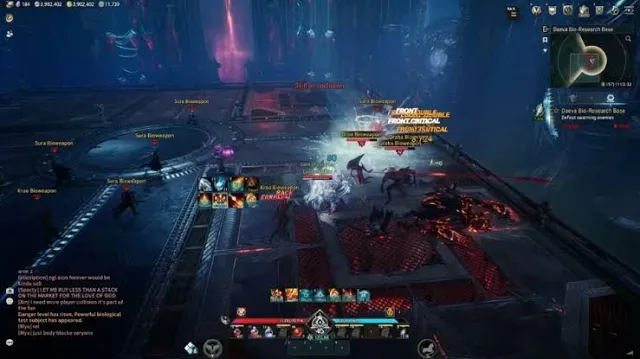
Honest aion 2 stream proof guide for PC players choosing Lite, Pro or Elite—settings, trade-offs and checkout notes from Cheats for Aion 2.
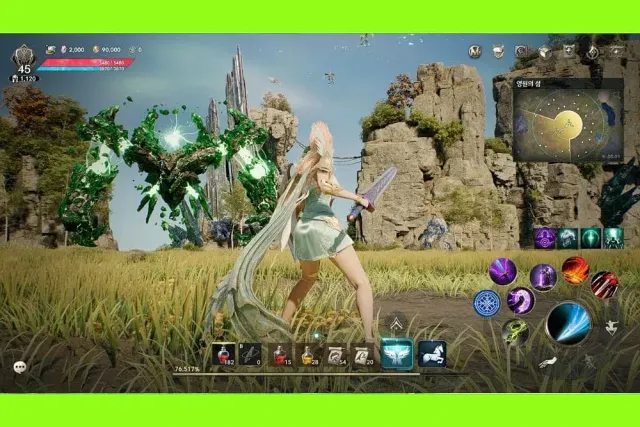
Honest aion 2 skill aim assist guide for PC players choosing Lite, Pro or Elite—settings, trade-offs and checkout notes from Cheats for Aion 2.
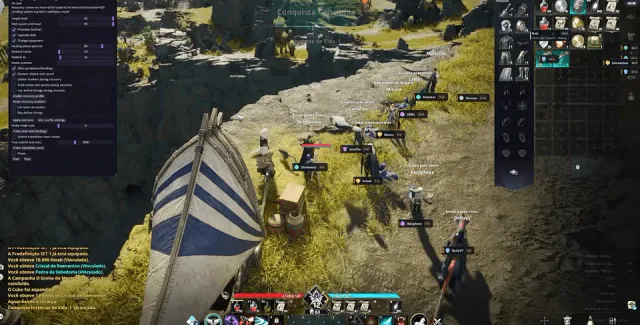
Honest aion 2 aimbot guide for PC players choosing Lite, Pro or Elite—settings, trade-offs and checkout notes from Cheats for Aion 2.